



Not every great idea starts with a camera. These days, some of the most engaging videos on the internet start with nothing more than a line of text—and a smart AI engine behind it.
In 2025, content creation is less about how fast you can edit and more about how fast you can think. AI video generators aren’t just speeding things up, they’re changing the entire creative workflow. Think of them as your silent video team: writing scripts, editing footage, generating voices, and even animating virtual presenters, all in minutes.
But with new platforms seemingly launching every month, the real challenge isn’t whether to use AI, it’s figuring out which AI video generator actually delivers.
That’s exactly what this guide is for. We’ll walk you through what to look for in a video generation tool, then introduce seven stand-out platforms in 2025.
What to Look for in an AI Video Generator
Not all AI video tools are built the same. Some focus on speed and simplicity, others specialize in voice synthesis or real-time avatars. To find the right fit for your content needs, keep these key factors in mind:
- High-Quality Text-to-Video Generation
The best platforms can take your script, bullet points, or even a rough prompt and turn it into a coherent, visually engaging video. This is not negotiable for creators looking to scale production without sacrificing creativity.
- Realistic Voiceovers and AI Avatars
Lifelike voices and on-screen presenters help build trust and engagement, especially for tutorials, explainers, and educational content. Look for tools with multilingual voice support and customizable avatar options.
- Template Variety and Design Control
Whether you’re making YouTube shorts, social reels, or long form explainers, having access to branded templates and flexible editing features gives you creative control without overwhelming complexity.
- Fast Rendering and Easy Export
Time matters. Top AI tools in 2025 should support high-speed rendering and easy export in platform-friendly formats, so you can’t wait to publish.
Top 7 AI Video Generators in 2025 for Content Creation
- Topview
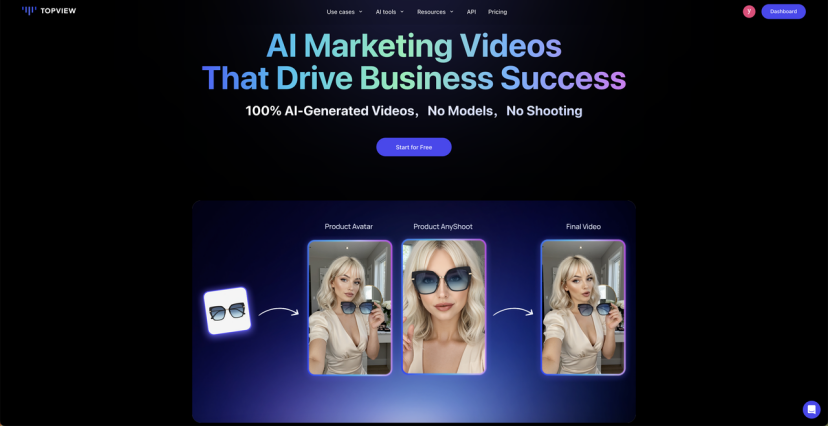
If you’re looking to turn static product photos into high-converting videos without filming or editing, TopView is one of the smartest AI video generators available in 2025.
Tailored for e-commerce, TopView lets you paste a product URL or upload an image, and instantly generates a professional video featuring AI avatars, dynamic backgrounds, voiceovers, and branded elements. It’s designed for marketers and sellers who need social-ready content fast—perfect for TikTok, Reels, and X ads.
With no timeline or editing experience required, the platform uses a slide-style interface that feels more like building a pitch deck than creating a video. From lifestyle placements to multilingual voice sync, TopView helps products stand out across platforms with minimal effort.
Key Features
- Convert any product link or image into a branded video ad
- 1000+ lifelike AI avatars that talk, gesture, and fit your target market
- Voiceovers in 30+ languages with accurate emotion and lip-sync
- Auto-generated scenes, subtitles, and transitions
- Drag-and-drop editor, no timeline or editing skills needed
Who It’s For
- Shopify and Amazon sellers
- Social media marketers targeting TikTok/X
- DTC brands want low-cost, high-speed video content
- Agencies producing content at scale
Pricing
- Free Trial: 10 credits (2 videos), watermark included
- Starter: $9.90/month (billed annually) – 50 credits/month
- Business: $44.90/month – 250 credits/month, brand kits, export options
- Enterprise: Custom – API, collaboration tools, white label, premium support
- Runway

If you’re more interested in directing bold visual experiences than just producing quick content, Runway gives you a playground built for creative control. It’s not just another prompt-to-video tool—it’s a full AI video lab where motion, mood, and cinematic detail take center stage.
Runway focus on precision and flexibility. The platform supports multiple input types—text, images, and even live video— and allows creators to shape everything from camera motion to lighting style.
Even more unique is Act One, a feature that captures human performance and maps it to AI-generated characters. Whether you’re building character-driven stories or surreal ad campaigns, Runway brings a layer of realism and expressiveness.
Key Features
- Gen-3 Alpha model for high-fidelity video with detailed prompts
- Act One transforms real human movement into digital animation
- Supports multiple generation inputs: text, image, and video remix
- Built-in AI tools for editing: background removal, slow motion, subtitles, and more
Who It’s For
- Filmmakers, animators, and visual artists looking for AI-assisted storytelling
- Marketers working on concept ads or immersive digital campaigns
- Creators who want more depth than template-based generators can offer
Pricing
- Free Plan: Includes 125 one-time credits
- Standard Plan: $15/month – includes Gen-3 Alpha access, 625 monthly credits, no watermark, and enhanced export quality
- Kling
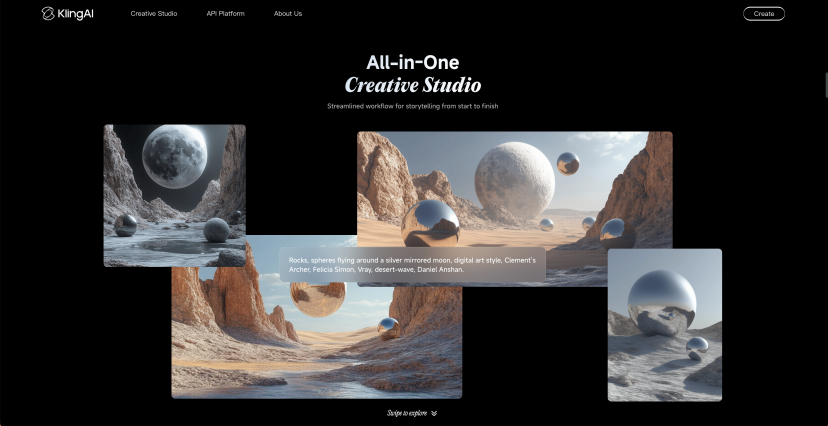
If you want your videos to look handcrafted without actually animating frame by frame, Kling offers one of the most creative AI video generation experiences of 2025.
Unlike many tools that rely only on prompts, Kling lets you upload up to four reference images to guide the style, characters, and settings of your video. This makes it particularly useful for creators focused on visual continuity.
Its standout feature, Elements, allows you to reuse key visuals like characters or props across different clips. Pair that with Motion Brush, which lets you sketch motion directly onto images, and you get a surprisingly intuitive way to animate your scenes.
Key Features
- Reference image-based control for consistent visuals
- “Elements” system to reuse characters and objects across scenes
- Motion Brush to animate specific elements with precision
- High quality image-to-video output ideal for stylized content
Who It’s For
- Creators making short films, music videos, or stylized ads
- Designers who want control over visual consistency
Pricing
- Free Plan: Limited monthly credits and slower rendering
- Paid Plans: Start at $6.99/month, with faster models, no watermark, and priority rendering
- Sora
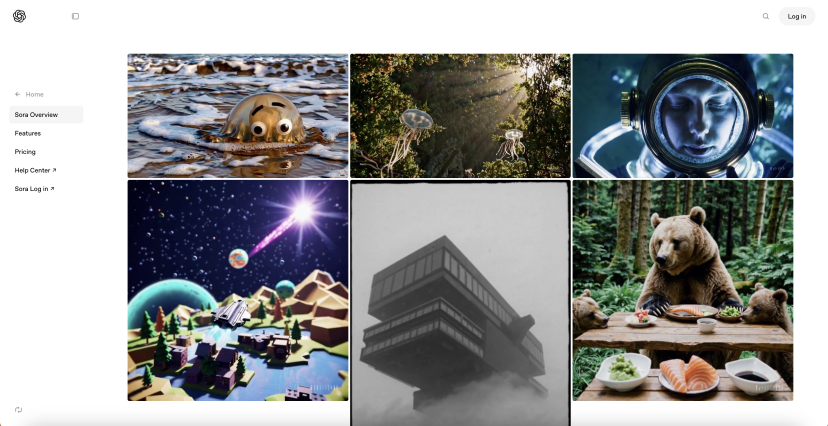
With a strong focus on creative animation and rapid ideation, Sora transforms plain descriptions into vibrant, stylized video clips in seconds. Whether you’re crafting surreal scenes, social-ready visual snippets, or animated storytelling prototypes, Sora acts more like a sketchpad than a studio.
Rather than relying on lengthy prompts or technical input, Sora makes the process intuitive and fast. Its Storyboard Mode lets you plan videos scene by scene, giving each moment its own direction while keeping the look consistent.
Key Features
- Natural language-to-video generation from simple text prompts
- Storyboard Mode for step-by-step, multi-scene video construction
- Still image animation to bring static assets to life
- Works directly within ChatGPT, no additional software required
Who It’s For
- Marketers and creators develop short, stylized content for social media
- Writers and educators building visual prototypes or explainer-style clips
- Creative teams exploring early-stage animation concepts
Pricing
- ChatGPT Plus ($20/month): 50 video generations, 720p quality, up to 5 seconds per clip, watermark included
- Pro Plan ($200/month): 500 generations, 1080p quality, up to 20 seconds per clip, watermark removed, faster rendering
- Lumen5
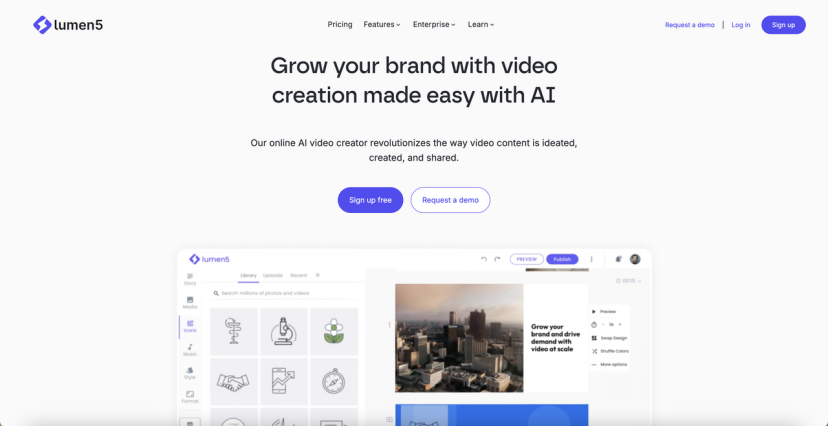
If your team has a library of written content but not enough time to turn it into engaging video, Lumen5 is your shortcut.
Unlike tools that start with a blank canvas, Lumen5 starts with your text. Simply paste a link, paragraph, or script, and the platform will extract key points, match them with relevant visuals and motion graphics, and format everything for the feed.
The platform emphasizes speed and brand consistency. Its library of customizable templates makes it easy to align with your company’s visual identity, while its intelligent automation handles subtitles, scene transitions, and screen sizing in seconds.
Key Features
- Instant video generation from URLs, blog posts, or plain text
- AI-powered content highlights paired with stock visuals and music
- Mobile-first templates for vertical and square formats
- Custom branding tools for logos, color schemes, and font styles
Who It’s For
- Marketing teams looking to amplify written content with video
- Social media managers need daily content output with minimal editing
- Creators and educators produce faceless, informative video posts
Pricing
- Free Plan: Includes limited monthly exports and watermarks on videos
- Starter Plan: Starts at $29/month, unlocks HD downloads, full brand kit, and priority processing
- Descript
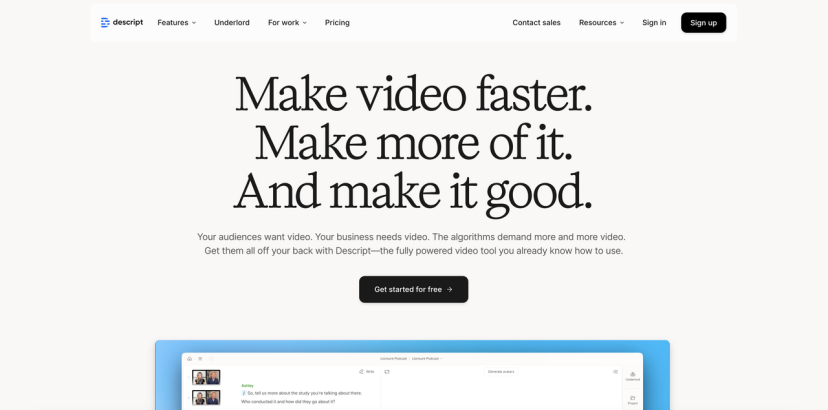
If trimming long videos feels like a tedious, time-consuming puzzle, Descript offers a radically different approach. Instead of scrubbing through timelines or juggling complex editing software, you simply edit your video like a text document – literally. It turns your spoken content into a transcript and lets you cut, rearrange, and fine-tune your video just by editing words.
With automatic transcription and scene splitting, Descript organizes your footage into manageable chunks so you can instantly delete filler words, remove silences, or reorder moments without touching a timeline.
Key Features
- Edit videos by editing the transcript—cut and trim like editing a Word doc
- Automatic transcription and scene segmentation on upload
- AI audio cleanup for removing background noise and enhancing voice clarity
- One-click highlights and short form exports for social media repurposing
Who It’s For
- Content creators who want fast, accurate editing without video editing experience
- Educators and trainers produce long-form instructional content
- Podcasters and interviewers need transcript-based editing for efficiency
- Marketers looking for quick-turn clips for social distribution
Pricing
- Free Plan: Includes 1 hour of transcription and essential editing tools
- Hobbyist Plan: $24/month per user with 10 hours of transcription, 1080p output, and no watermark
- Synthesia

For professionals looking for studio-quality video without ever stepping in front of a camera, Synthesia offers a smart alternative. It allows you to generate presenter-style videos by simply typing your script. With a few clicks, you can create enterprise-ready content hosted by realistic digital avatars.
Unlike tools designed for visual storytelling or cinematic animation, Synthesia is laser focused on clarity, consistency, and efficiency. Whether you’re producing a product walkthrough, training video, or multilingual update, it handles voice, visuals, and even gestures—automatically.
Key Features
- Turn plain text into realistic presenter-led video with no filming required
- Choose from 100+ AI avatars that speak 140+ languages and accents
- Support for multiple avatars to simulate conversations or interviews
Who It’s For
- HR teams build scalable onboarding and training videos
- Marketers in need of Explain content or product demos in multiple languages
- Educators and coaches deliver courses without having to appear on camera
Pricing
- Free Plan: Includes 3 minutes/month with basic avatars
- Starter Plan: $29/month with HD exports, 125+ avatars, and 10 minutes of video/month
- Creator Plan: $89/month for 30 minutes/month, personal avatars, subtitles, and branding features
Final Thoughts
In a digital world where content speed and quality define success, AI video generators have become essential tools for creators, marketers, educators, and brands. Whether you’re crafting explainer videos, product promos, social ads, or internal training clips, there’s now an AI tool tailored to your needs.
Here’s a quick recap of the top 7 AI Video Generators in 2025:
- TopView – Best for e-commerce video ads with AI avatars and instant product demos
- Runway – Creative AI suite for real-time editing and visual effects
- Kling – Powerful real-time 3D video generation for cinematic storytelling
- Sora – Text-to-Video for high-concept, high-resolution video generation
- Lumen5 – Ideal for repurposing blog content or scripts into sleek videos
- Descript – Transcript-based editing that simplifies long-form content
- Synthesia – Avatar-led videos for corporate training and multilingual content
Among them, TopView stands out for its unique focus on turning static product visuals into engaging, high-converting videos – at scale. With its unediting workflow, avatar technology, and multilingual voiceovers, it’s built from the ground up for e-commerce and social-first brands.
If you’re ready to start creating scroll-stopping videos without complexity, TopView is the place to start. Try TopView today and turn any product into a professional video ad.
